
Tough Cookie 5K Run & Family Fun Walk
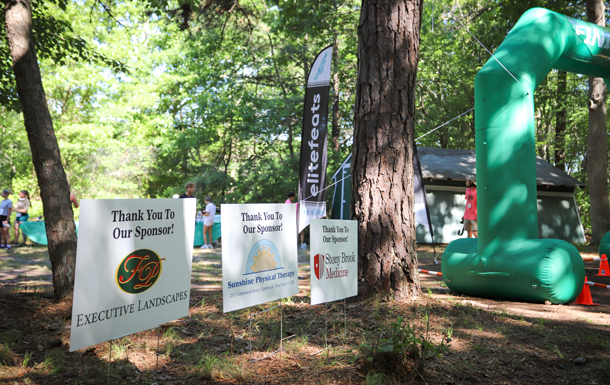
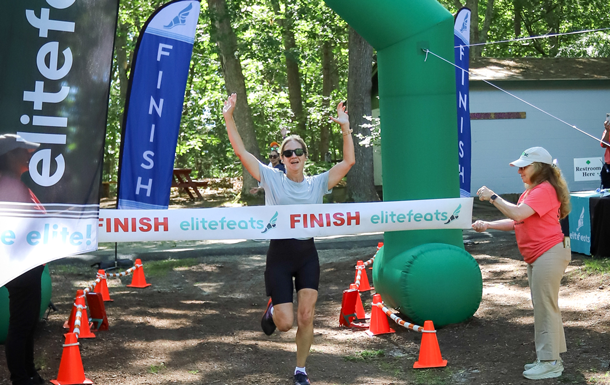
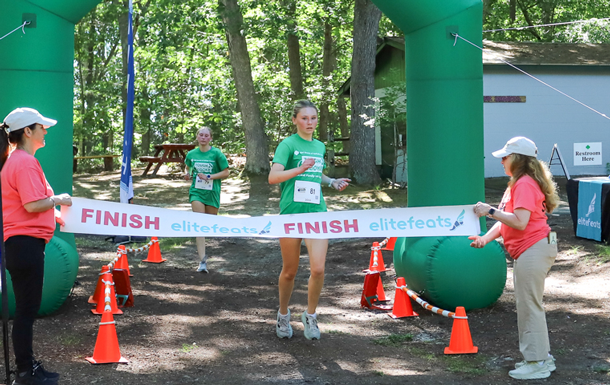
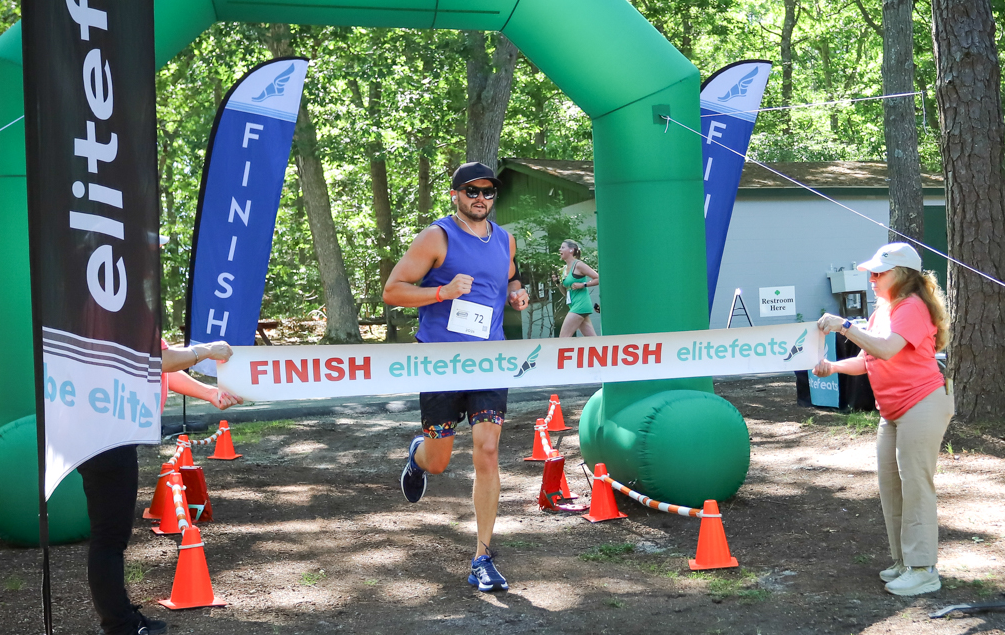
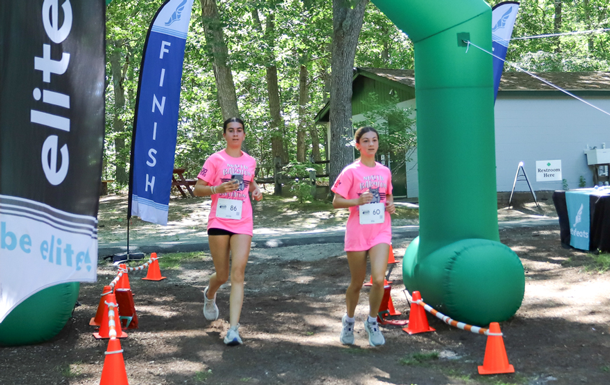
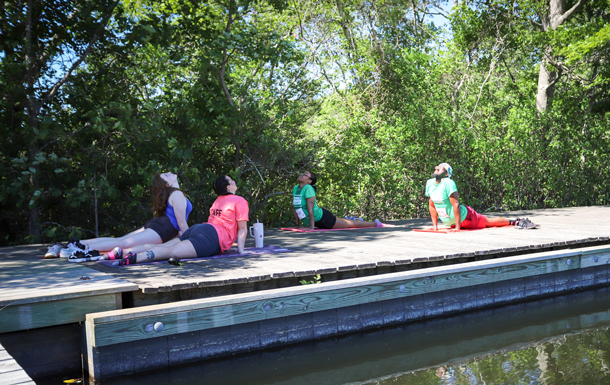
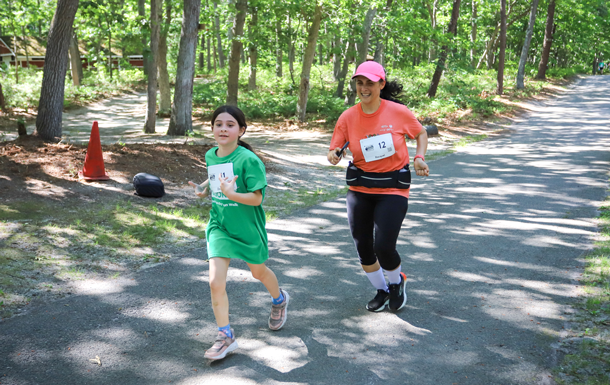
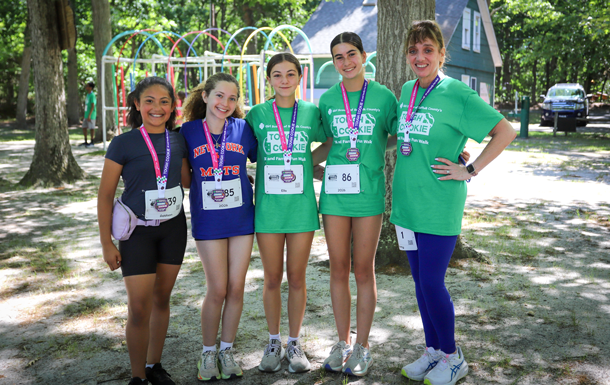
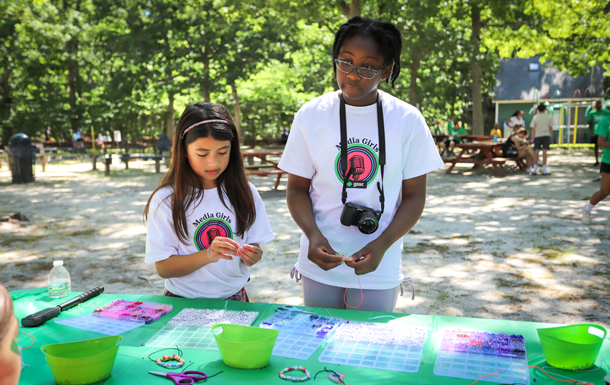
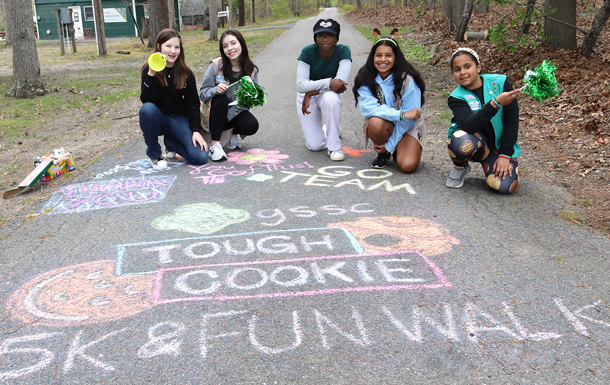
Thank you to everyone who helped make our inaugural Tough Cookie Day a success. Set against the beautiful backdrop of Camp Edey, the event brought together runners, walkers, volunteers, donors, families, and community partners to celebrate and support Girl Scouts across Suffolk County.
Thanks to your incredible generosity, funds were raised to provide financial assistance that will help more girls experience the adventure, friendship, and life-changing opportunities at our Summer Camp.
We look forward to seeing you back at Camp Edey for the Tough Cookie in 2027. Stay tuned for more information!

Thank You For Our Sponsors
Sponsor

Gold Sponsor
Silver Sponsor

T-shirt Sponsor
T-shirt Sponsor

T-shirt Sponsor

T-shirt Sponsor

Thank you to Great River Deli and Reliance Mechanical for the food and refreshment donation.
